Designing an efficient photography client workflow is the cornerstone of running a scalable, stress-free creative business that consistently delivers exceptional client experiences. From the moment an initial inquiry arrives in your inbox to final gallery delivery and post-session review requests, establishing standardized operational procedures eliminates confusion and guarantees that every client receives white-glove treatment.
Many talented photographers struggle with burnout not because they lack technical camera skills, but because their back-end administrative processes are disorganized. Juggling handwritten shoot notes, untracked emails, delayed contracts, and disorganized file folders creates severe mental fatigue and leads to missed deadlines. Implementing a structured workflow framework transforms chaotic studio operations into predictable, repeatable success.
Reviewing our foundational photography pricing guide helps ensure that your session rates adequately reflect the extensive administrative and editing hours built into your client pipeline. When your pricing supports reasonable client volume, you have the necessary bandwidth to execute every step of your onboarding and post-production workflow with meticulous care.
This comprehensive studio manual breaks down each critical phase of a professional portrait pipeline into actionable stages. You will learn how to automate client onboarding, draft airtight contracts, structure shoot-day preparation, optimize raw image culling, and deliver polished galleries that generate enthusiastic referrals.
Managing Initial Inquiries and Automated Consultations

The first interaction a prospective client experiences sets the tone for your entire professional relationship. In the modern digital marketplace, consumers expect prompt, polite, and informative responses when inquiring about photography services.
Establish automated auto-responder email notifications inside your contact form so potential clients receive immediate confirmation that their inquiry was successfully received. Follow up within twelve to twenty-four business hours with a personalized message addressing their specific event date, location preferences, and creative vision. Include a link to an online consultation scheduling calendar where prospects can book a brief fifteen-minute phone or video discovery call.
Consulting federal consumer service and business guidelines from USA.gov small business customer service and management guidance demonstrates how transparent client communication and prompt response protocols establish consumer trust and minimize commercial disputes. Proactive communication signals that your studio is organized, dependable, and fully dedicated to client satisfaction.
During the discovery consultation, listen attentively to the client’s goals and explain how your artistic approach aligns with their desires. Outline your session packages clearly, addressing common questions regarding wardrobe styling, location permits, and gallery turnaround times before sending the official booking proposal.
Securing Bookings With Digital Contracts and Retainer Invoices
Once a client selects their preferred session collection, secure the date immediately through a legally binding digital contract and retainer invoice. Never pencil a session onto your calendar without a signed agreement and non-refundable deposit.
Utilize modern studio management platforms like HoneyBook, Dubsado, or Studio Ninja to deliver a seamless three-in-one booking proposal containing the contract, invoice, and payment portal in a single digital document. Requiring clients to complete all booking steps in one continuous online session dramatically increases booking conversion rates by eliminating friction and back-and-forth email exchanges.
Automating Inquiry Follow-Ups to Increase Studio Booking Rates
Prospective clients frequently become distracted by daily life and forget to finalize their pending booking proposals. Set up automated email reminders within your client management software to gently nudge prospects twenty-four and forty-eight hours after sending a proposal. A friendly check-in offering to answer any remaining questions often converts hesitant prospects into confirmed bookings without coming across as aggressive sales tactics.
Reviewing our in-depth tutorial on how to start a photography business provides foundational insight into setting up commercial bank accounts, merchant processors, and business licenses to handle incoming retainer payments lawfully and securely.
Preparing Clients With Wardrobe Guides and Session Questionnaires

The secret to a relaxed, joyful shoot day lies in thorough pre-session preparation. Sending comprehensive preparation materials well in advance alleviates client anxiety and ensures everyone arrives feeling confident and camera-ready.
Deliver your digital welcome magazine and wardrobe styling guide two to three weeks before the scheduled session date. Educate clients on flattering color palettes, fabric textures, and outfit coordination while cautioning against neon colors and tight patterns that distort on digital sensors. Offering visual inspiration boards prevents wardrobe mishaps and results in cohesive, timeless portrait imagery.
Follow up with an online pre-session questionnaire gathering essential details regarding family dynamics, children’s personality traits, special sentimental items, and specific must-have heirloom poses. Reviewing questionnaire answers beforehand allows you to connect authentically with family members and tailor your shooting prompts to suit their unique personalities.
Integrating our detailed photography welcome guide recommendations into your client onboarding sequence ensures every client feels valued, heard, and thoroughly prepared prior to arriving at your studio or outdoor location.
Streamlining Post-Production Culling and Image Editing Stages
Shooting the session represents merely half the creative endeavor; an efficient post-production pipeline ensures your editing queue never becomes an overwhelming bottleneck. Establishing standardized post-production routines accelerates gallery turnaround while maintaining immaculate quality control.
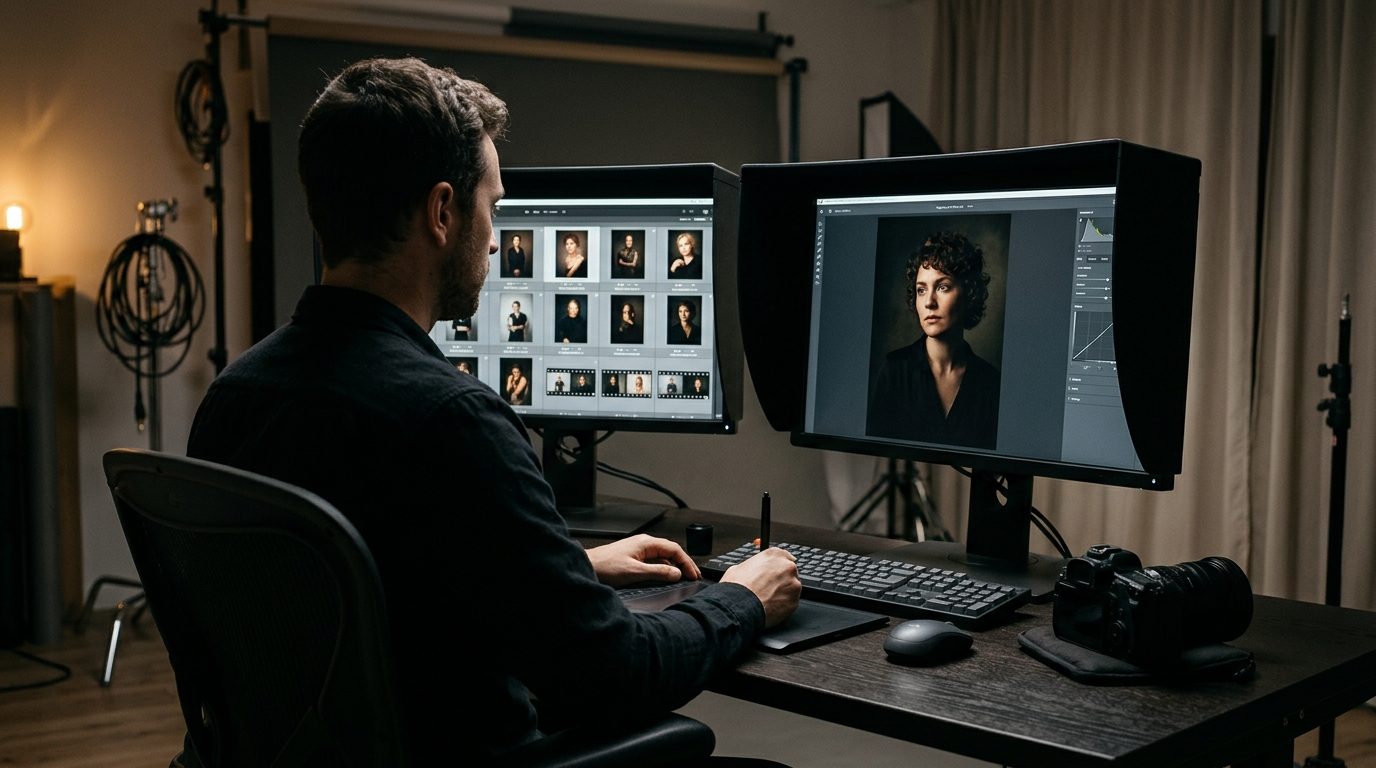
Immediately following the shoot, transfer all raw camera files onto your editing workstation and verify file counts against camera memory cards before formatting any storage media. Ingest raw images into high-speed culling software such as Photo Mechanic or Aftershoot to quickly select the strongest frames. Culling in dedicated software rather than standard editing catalogs allows you to rate and filter hundreds of images in a fraction of the time.
Standardizing Image Backups Across External Hard Drives and Cloud
Protecting precious client memories requires a bulletproof digital storage protocol. Implement the 3-2-1 backup rule by saving three independent copies of all raw files across two separate physical storage devices, such as a high-speed solid-state working drive and an external hard disk array, with a third encrypted copy mirrored to secure cloud backup servers.
Once selected images are culled and backed up, import them into Adobe Lightroom for global exposure balancing, color correction, and white balance calibration. Apply your signature studio color presets to establish visual cohesion across the entire collection before exporting high-resolution master JPEG files for final gallery presentation.
Delivering Online Galleries and Managing Client Archive Storage
The presentation of the final gallery is the culmination of weeks of dedicated creative collaboration. Present your client’s finished portrait collection through an elegant, password-protected online gallery platform such as Pic-Time, Pixieset, or CloudSpot.
Send a celebratory email announcing that the gallery is officially open, including direct login credentials, download instructions, and access links for extended family members. Highlight your integrated print store within the gallery, showing how easily clients can order archival fine art prints, canvas wall displays, and handcrafted albums directly from their customized proofing gallery.
Collecting Client Feedback and Encouraging Online Studio Reviews
Two weeks after delivering the digital gallery, send a heartfelt follow-up email thanking the client for their trust and asking for their feedback. Include a direct link to your Google Business Profile, encouraging them to leave a public review detailing their positive experience. Satisfied client testimonials serve as invaluable social proof that continually attracts high-value future portrait clients.
Consulting official copyright guidance from the U.S. Copyright Office visual artist copyright management tools reinforces statutory protections regarding personal reproduction licenses and commercial image rights. Clearly outlining print release permissions inside your delivery email provides clients with peace of mind while preserving your underlying artistic copyrights.
Consistently executing a refined photography client workflow elevates your reputation from a casual hobbyist into a consummate professional. Clients notice and appreciate thoughtful organization, leading to glowing word-of-mouth recommendations, effortless client retention, and steady business growth year after year.
Frequently Asked Questions
What software tools are commonly used for studio client management?
Professional portrait photographers commonly rely on specialized customer relationship management software such as HoneyBook, Dubsado, Studio Ninja, or Iris Works to automate client bookings, contracts, and invoicing. These dedicated platforms consolidate client communication, automated email reminders, and payment processing into a single centralized digital dashboard. Using client management software eliminates manual paperwork and prevents prospective inquiries from slipping through administrative cracks.
How long should a standard portrait post-production turnaround take?
A standard portrait post-production turnaround window ranges between two and three weeks from session date to final gallery delivery. Establishing a transparent delivery schedule sets clear client expectations and provides sufficient buffer time for image culling, color grading, and skin retouching. Maintaining a consistent turnaround schedule reinforces studio professionalism and prevents anxious client inquiries regarding gallery completion.
Why is an automated booking workflow essential for photographers?
An automated booking workflow eliminates repetitive manual emailing by instantly sending availability calendars, digital contracts, and online payment links to prospective clients. Automating these administrative milestones shortens the inquiry-to-booking window and prevents interested prospects from booking competing studios due to delayed responses. Fast and seamless booking processes project an organized, trustworthy studio image that instills immediate client confidence.
How should photographers store and archive past client image files?
Photographers should implement a 3-2-1 backup strategy by maintaining three separate copies of all raw and edited files on two different physical local media drives and one secure cloud storage service. Working drives should be fast solid-state drives, while completed sessions are moved to redundant external hard drives and mirrored to off-site cloud platforms like Backblaze or Amazon S3. This layered archiving routine protects precious client memories against accidental drive failures, theft, and natural disasters.