Choosing the right client galleries for photographers is essential for delivering high-resolution digital image collections, managing client print orders, and presenting professional proofs in an elegant online viewing environment. When portrait artists, wedding documentarians, and commercial studios transition away from clunky file transfer services toward dedicated client gallery platforms, they create a polished brand touchpoint that delights clients and encourages substantial print store sales.
Modern gallery platforms function as much more than simple cloud storage repositories. They serve as interactive digital presentation rooms where clients can favorite their preferred portrait proofs, share curated collections with family members, download web-ready files for social media sharing, and purchase archival wall art directly through integrated professional laboratories. Selecting the right platform requires balancing storage expenses, laboratory markup capabilities, proofing speed, and client usability.
Consulting our foundational photography pricing guide helps ensure your gallery delivery workflow aligns with your broader session fees and product collections. When your digital gallery experience feels seamless and luxurious, clients perceive higher inherent value in your artwork and feel enthusiastic about investing in finished heirloom products.
This comprehensive comparison guide examines the essential features, storage economics, print fulfillment workflows, and security controls available across top client gallery software. Whether you shoot twenty portrait sessions annually or manage a busy wedding studio, understanding these platform capabilities will help you select the ideal solution for your creative business.
Essential Features to Evaluate in Online Client Proofing Platforms
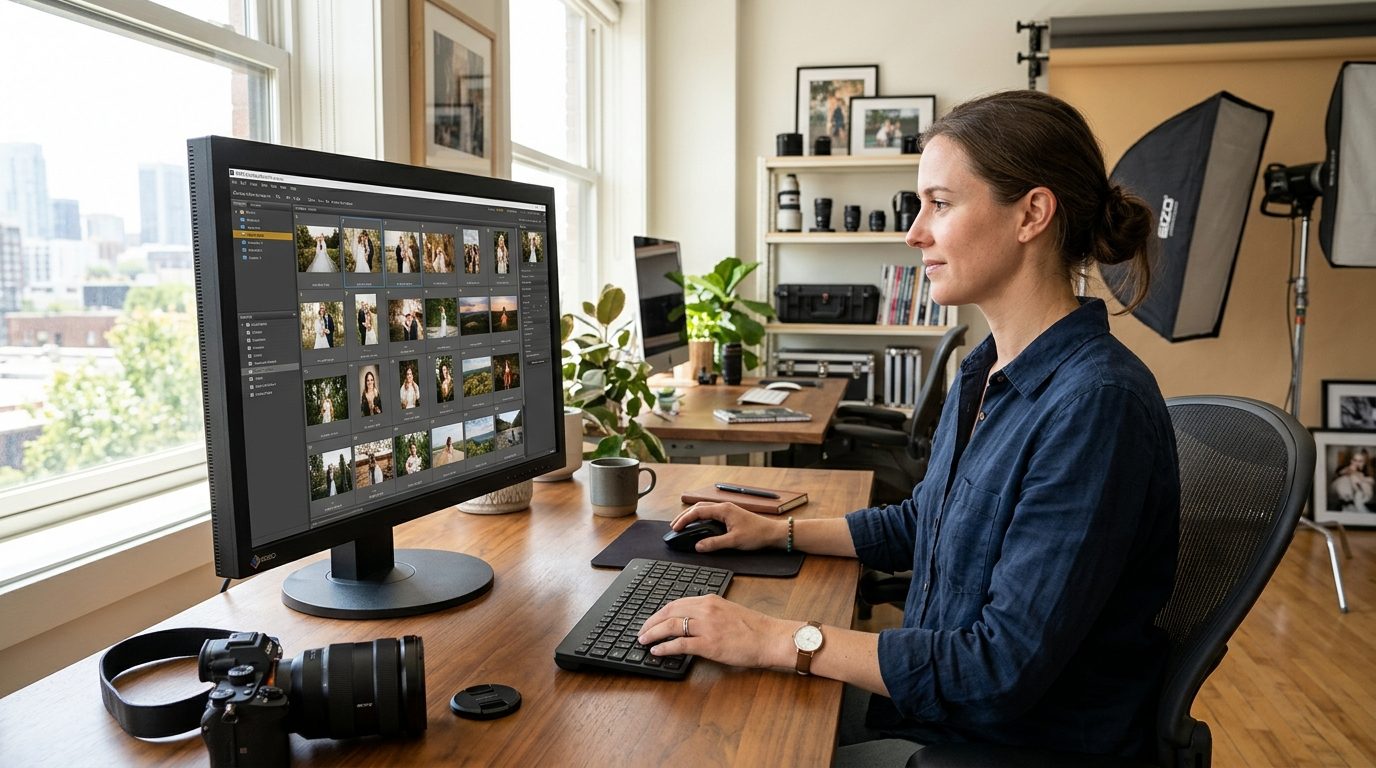
When assessing online proofing software, the primary consideration should always be the user experience of your clients. A gallery interface must load swiftly on both mobile devices and desktop computers, presenting clean visual layouts that keep the spotlight firmly on your imagery without confusing navigation menus or slow image buffering.
Look for platforms that offer customizable display layouts, such as modern vertical masonry grids, classic horizontal rows, and clean editorial carousels. The ability to customize font pairings, background color palettes, and studio branding watermarks ensures that the viewing room feels like a natural extension of your personal website rather than a generic third-party software utility.
Reviewing federal small business financial guidelines from the SBA guidance on managing small business expenses and software costs emphasizes the necessity of auditing recurring software subscriptions against tangible studio return on investment. Choosing a gallery service that bundles client contracts, invoicing, and digital delivery into one unified dashboard can eliminate redundant software fees and simplify your monthly overhead.
Client communication tools represent another vital feature set. Look for platforms that support automated email sequences, sending gentle reminders when galleries are ready for viewing, approaching download expiration dates, or featuring seasonal print sales. These automated touchpoints keep clients engaged without requiring hours of manual administrative tracking.
Comparing Digital Download Permissions and Resolution Delivery

Controlling how clients access and download their finished images is critical for maintaining commercial integrity and protecting your creative revenue. Leading proofing platforms offer flexible download settings that allow photographers to assign distinct permissions for individual collections, sub-galleries, or specific client contacts.
You should have the capability to restrict downloads to web-resolution proofs during the initial proofing phase, preventing clients from taking unretouched files to discount consumer print kiosks. Once final retouching is completed or session balances are settled, you can unlock full-resolution archival downloads with a single administrative click.
Managing High-Resolution Print Files Versus Web-Sized Proofs
High-resolution downloads are necessary for clients who purchase digital archiving rights, allowing them to create large wall displays or personal keepsake albums. However, uploading and downloading massive raw JPEG files consumes substantial bandwidth and storage capacity. Sophisticated gallery software generates optimized web-sized versions automatically, providing clients with fast-loading images perfectly compressed for Instagram, Facebook, and personal portfolio websites.
Understanding official copyright standards outlined by the U.S. Copyright Office guidance on photographer copyright and digital sharing highlights that establishing clear digital usage permissions in writing protects your exclusive intellectual property rights. By embedding clear copyright notices and personal usage guidelines directly into gallery download dialogues, you educate clients on lawful sharing while safeguarding studio ownership.
Setting Granular PIN Codes and Download Security Controls
Privacy is paramount, particularly when delivering intimate family portraits, boudoir collections, or high-profile commercial campaigns. Professional gallery systems offer multi-layered security controls, including private client access PINs, password-protected guest sections, and hidden administrative sub-galleries.
Granular access controls allow wedding photographers to designate a private bridal preparation gallery visible only to the couple, while sharing a broader ceremony and reception gallery with wedding guests. Guests can browse and purchase individual prints without accessing personal account details or private portrait sections.
Integrated Print Store Fulfillment and Integrated Lab Automation

One of the most powerful revenue drivers in modern gallery platforms is the automated e-commerce print store. Rather than coordinating print orders manually via email or paper order forms, an integrated store allows clients to click any favorite image and instantly preview it on archival fine art paper, metal float mounts, or canvas gallery wraps.
Top platforms partner directly with established professional photo laboratories, including WHCC, Miller’s Professional Imaging, ProDPI, and Loxley Colour. When a client places an order, the system can automatically route the file to the lab for precision printing, packaging, and direct drop-shipping to the client’s home address, with the photographer keeping the net markup profit.
Automated Order Routing to Professional Printing Laboratories
Automated fulfillment saves photographers dozens of administrative hours every month. You retain complete control over your retail pricing menu, establishing custom markup multipliers that reflect your studio positioning. For studios that prefer inspecting every print personally before client delivery, platforms also provide a manual order review hold, allowing you to crop files, adjust sharpening, or package artwork with bespoke studio ribbons and thank-you notes.
Implementing a structured client workflow aligns closely with recommendations in our detailed tutorial on photography client workflow. When client orders flow smoothly from initial proofing to home delivery, client satisfaction scores rise while studio administrative overhead drops significantly.
Client Selection Workflows for Albums and Retouching Favorites
Designing custom wedding albums and wall art collections requires efficient collaboration between photographer and client. Leading gallery platforms feature dedicated selection modes where clients can mark their favorite images using color-coded labels, stars, or written notes.
Instead of receiving vague email instructions referencing file numbers, photographers can view client favorites directly within their administrative dashboard. Many platforms allow clients to submit a finalized album selection set with a single click, automatically locking the selection and generating a downloadable list of filenames for quick album layout generation.
For portrait studios that offer extensive skin retouching or background cleanup, favorite lists allow clients to designate their top ten or twenty images for advanced post-production. This structured selection process eliminates back-and-forth confusion and keeps project delivery schedules moving forward on time.
Pairing these digital tools with guidance from our comprehensive photography welcome guide ensures your clients understand exactly how to navigate their gallery, select their favorite portraits, and complete their print orders without technical frustration.
Storage Costs, Bandwidth Limits, and Subscription Economics
When comparing gallery platforms, evaluating pricing models is essential for managing ongoing operating costs. Most providers structure their pricing tiers based on total storage volume, active gallery counts, or commission fees on print store sales.
Some platforms offer unlimited storage for a flat monthly or annual subscription fee, making them attractive for high-volume wedding studios that upload hundreds of thousands of images annually. Other services utilize tiered storage quotas, such as one hundred gigabytes or one terabyte, which provide budget-friendly options for emerging portrait photographers who shoot fewer annual sessions.
Be mindful of print store commission rates. Free or lower-tier subscription plans frequently assess a five to fifteen percent commission on all client print transactions, which quickly erodes profit margins as sales grow. Upgrading to a premium tier that waives commission fees often pays for itself through print markups alone.
Investing in modern client galleries for photographers elevates your brand image, streamlines gallery delivery, and empowers clients to order archival prints with complete ease.
Frequently Asked Questions
What storage capacity do emerging photographers need for client galleries?
Emerging photographers shooting ten to twenty portrait sessions annually typically find that fifty to one hundred gigabytes of storage is plenty for active delivery. High-volume wedding photographers delivering several thousand high-resolution images each season generally benefit from unlimited storage plans. Many studios maintain active client galleries online for one year before archiving older projects to local offline drives.
Can clients purchase physical prints directly from online galleries?
Yes, modern client gallery platforms feature integrated e-commerce stores that connect directly to professional printing laboratories. Clients can browse their uploaded photos, select print sizes, preview custom framing options, and place orders directly through the secure checkout interface. Photographers establish custom retail markups, and the system routes fulfillment automatically to the chosen laboratory.
How do photographers protect online proofs from unauthorized downloads?
Photographers protect proofing images by disabling right-click downloading, applying semi-transparent studio watermarks across image previews, and restricting high-resolution downloads behind secure numeric PIN codes. Gallery platforms also allow photographers to display low-resolution, compressed proofs during the initial selection phase until client invoices are fully paid.
What is the difference between web resolution and high resolution downloads?
Web-resolution files are compressed images measuring roughly two thousand pixels along the long edge, optimized for fast loading and crisp display on smartphone screens and social media platforms. High-resolution files represent uncompressed, full-dimension image files suitable for large-format physical printing and fine art canvas reproduction. Providing web-sized files preserves studio print sales while fulfilling client social sharing desires.